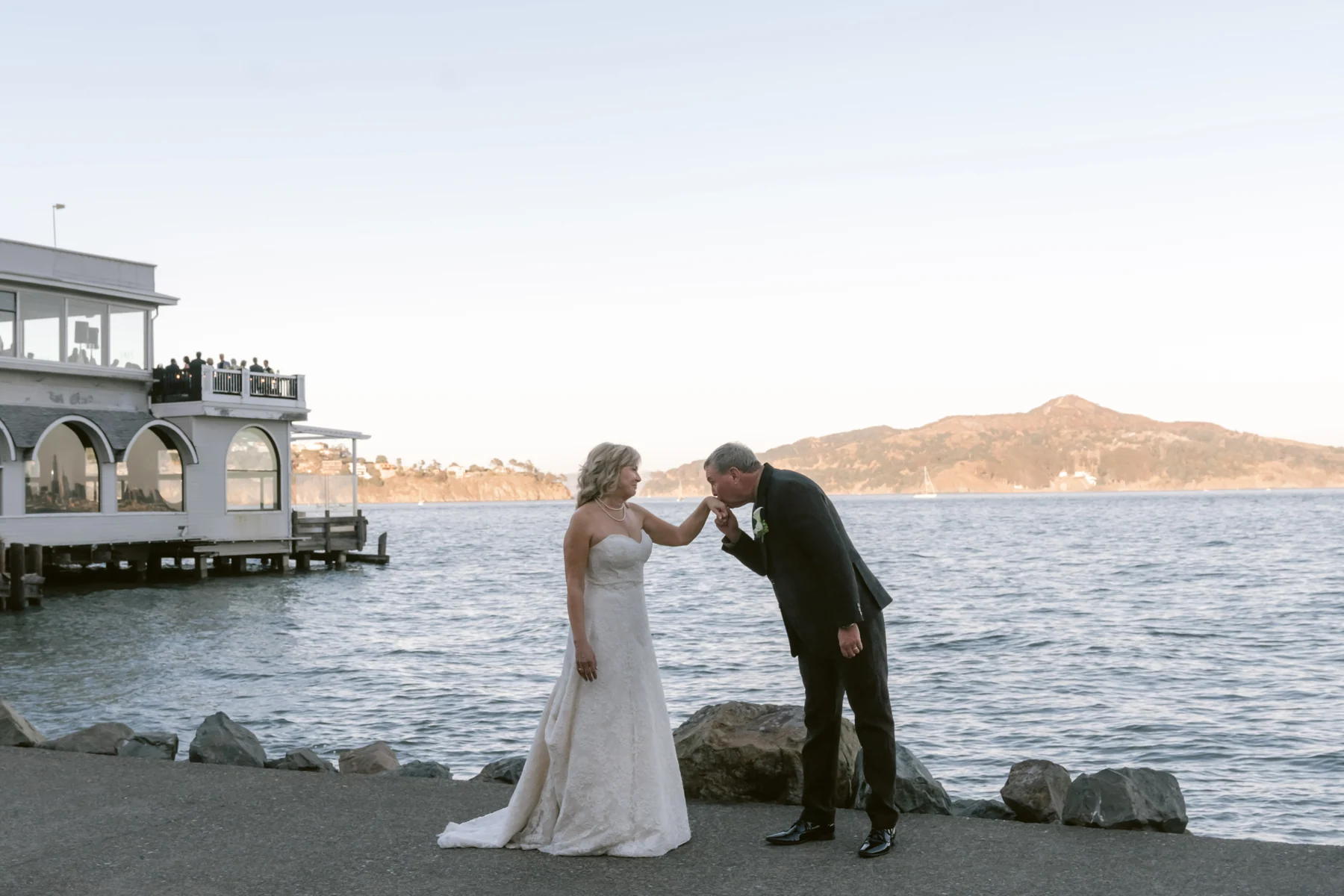
Green Wedding Shoes asks for 50 to 250 photographs for a real wedding or styled shoot. Both portrait and landscape files should be at least 2,200 pixels wide, and the site prefers exports close to that width. Its editors describe an interest in personality, creative decisions and ideas other couples can use at a range of budgets.
Find the idea another couple would ask about
Choose a detail that actually changed the experience of the wedding. Suppose friends played records during dinner and each introduced the song they chose for the couple. A picture of the turntable is a start. Show the labels the friends wrote, a speaker holding a sleeve and the couple’s reaction. Ask one friend why they chose that track.
If the idea was handmade, record how it came together. Who brought the records? Did guests know about the surprise? How were the speakers and song order coordinated? A short explanation can give another couple the confidence to try their own version. The whole wedding need not have a theme for that one idea to deserve the lead.
Build the export around four parts of the day
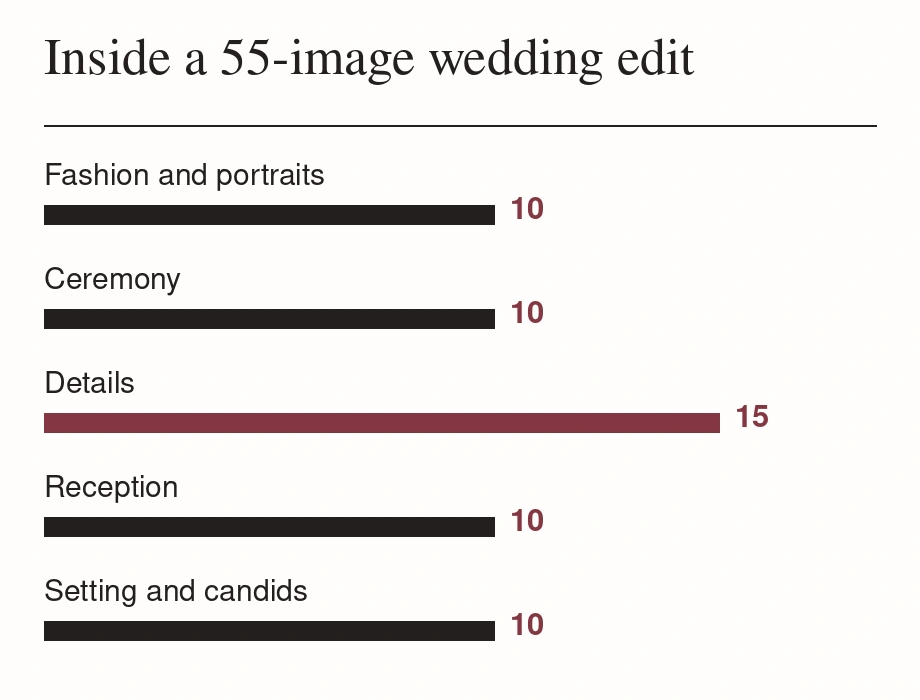
The submission instructions name detail photographs, portraits, ceremony and reception. Pick an establishing frame for each, then add pictures that deepen the story. If the reception is your strongest material, the ceremony can be concise while still showing where it happened, who was there and how it felt.
Check the pixel width on a vertical image. A portrait exported at 2,200 pixels on its long edge will usually be too narrow. A 2,200-wide by 3,300-high portrait meets the stated width, as does a 2,200-wide landscape. Do the export from the photographer’s originals, and look at a few finished files at full size before sharing.
Send the correct category and watch for the receipt
The form accepts either a real wedding or a styled shoot and lets family, wedding party members and professionals identify their role. Choose the category that describes what happened. The submitter is the person who receives the correspondence, so use an address someone will actually check. Have the couple confirm the names and pronouns requested by the form.
The outlet says review may take up to 20 days. It also says a confirmation email verifies receipt and advises resubmitting if it never arrives. Check spam and the address entered before trying again. Save the confirmation alongside your photos and vendor credits.
Count the hold from the feature date
Green Wedding Shoes asks you to disclose other submissions. Once a feature is accepted, it requests a 60-day exclusivity window from the date it is published before submitting to another blog or magazine. Note the live date when you have it and send the timing to everyone with access to the gallery. Review the publication’s specific venue, material and imagery exclusions before preparing the export.
Common questions
Can a small backyard wedding qualify?
The outlet describes an interest in simple celebrations and a range of budgets. Show a complete account of the day and a personal idea the reader can see in the images.
Can I send the same gallery as both an engagement and a wedding?
Pick the category that accurately describes the event. Green Wedding Shoes has separate guidance for other kinds of features and says it considers engagement submissions selectively.
Sources
Keep reading
- How to pitch a wedding story to PEOPLE magazine
- Wedding publication exclusivity, social posts and when to follow up