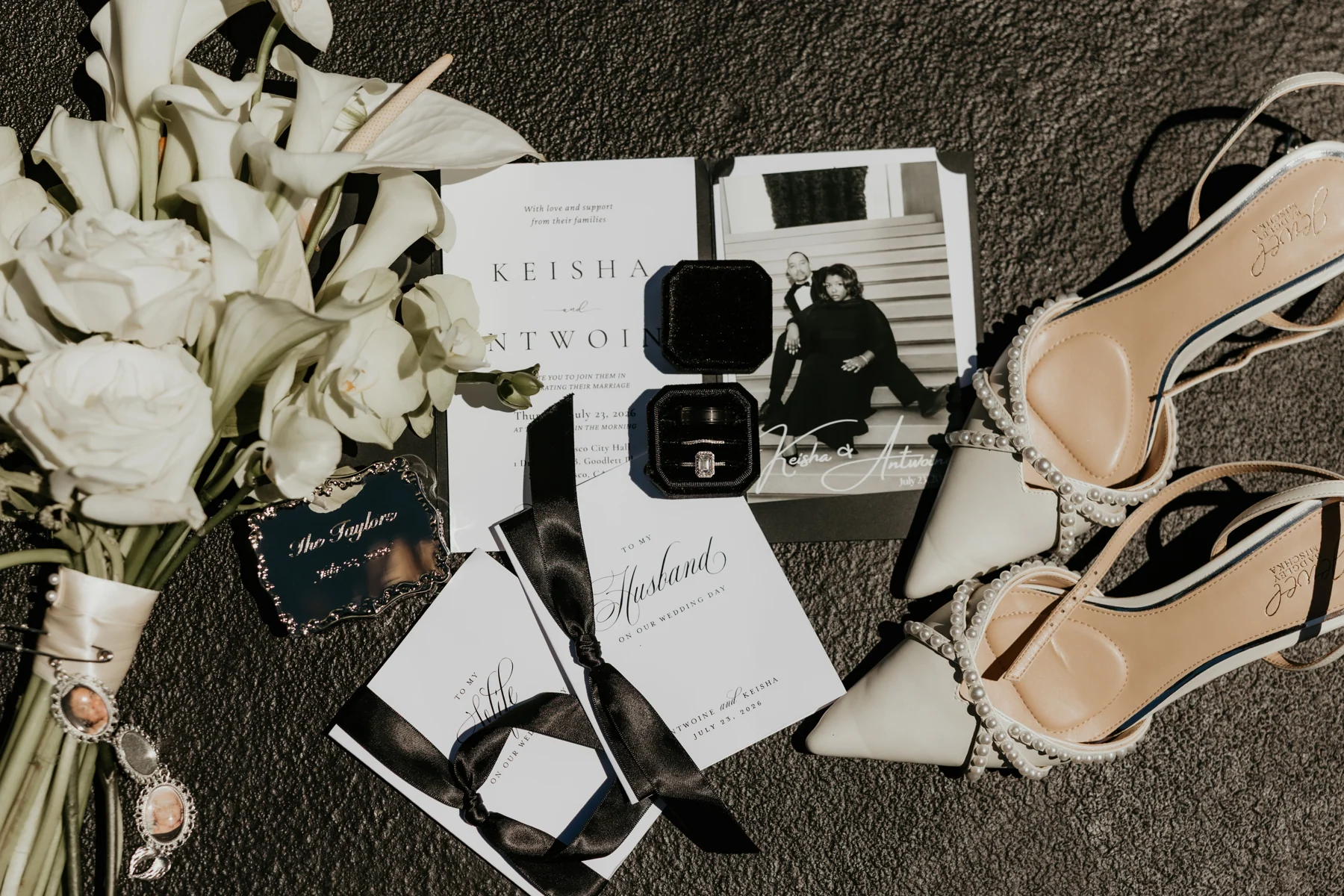
The venue receives a live feature link on Friday morning. The couple wants to send it to family, the floral designer wants to show the ceremony arch, and the photographer has already been asked for a badge graphic. One carefully prepared note will save everyone from reconstructing who can share which file.
Read the published feature before announcing it
Open the article on a phone and look at the headline, byline, photo credit, captions, vendor names and outbound links. Compare the details against the approved submission. If a real error matters, collect the precise wording, correct spelling and a supporting link. Let the original contact send one short correction request. When a photo is misattributed, flag it before the team repeats the credit across its own pages.
For a concrete example, Destination I Do’s coverage of Zach and Jonathan’s Sausalito wedding identifies Olivia Curley as the writer, Annalee Bishop as the photographer and ERIA Sausalito as the venue. Those roles give three different people three different ways to describe their contribution accurately.
Give each person an asset they can actually use
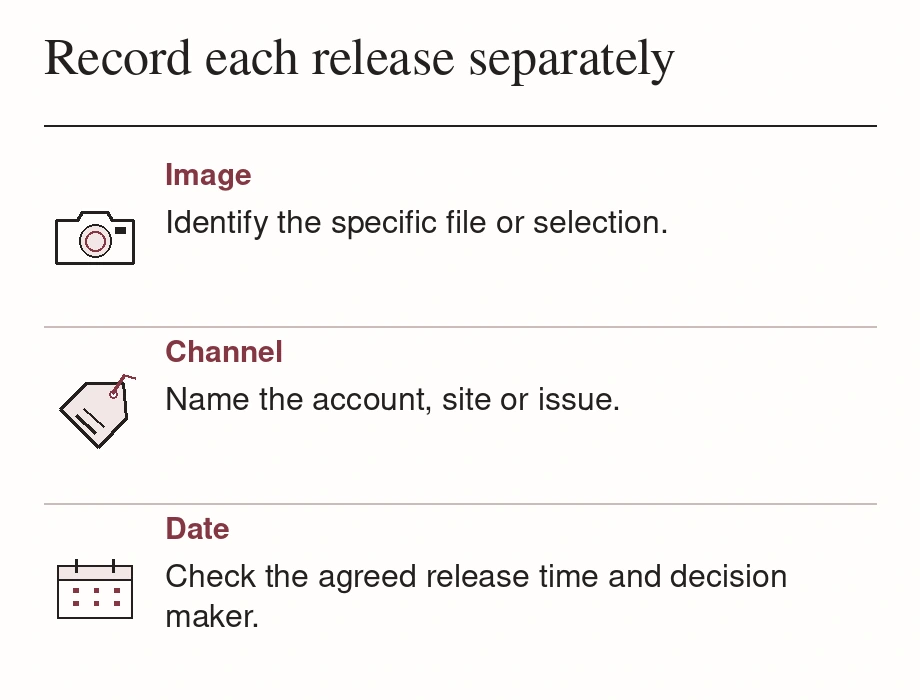
Make one handoff note with the live article link, outlet name, approved image filenames, individual photographer credits and the channels covered by the permissions you obtained. Include any remaining sharing restrictions and the contact for questions. If Instagram and a vendor newsletter have different permissions, put them on separate lines. A link to the published article is a straightforward option for a team member who lacks an image cleared for their channel.
A sample note might read, “The feature is live. Please use the article link below. Our photographer cleared the two marked reception photos for organic Instagram posts with the supplied credit. For newsletters or another image, reply here and I’ll check. The couple prefers first names and has asked to leave their personal accounts untagged.” Replace every permission and preference with the terms for your own wedding.
Common questions
Should every vendor repost the same graphic?
Give people a common link and verified credits. Their own cleared images and short accounts of their role usually offer more value to their individual audiences.
Can we post a screenshot of the whole feature?
Start with the original article link. For a reprint, page scan or screenshot, check the publication’s instructions and secure any required permission before circulating it.
Sources
Keep reading
- Which wedding press helps couples trust a vendor?
- Wedding publication exclusivity, social posts and when to follow up